Why models matter
The original meme cat does one thing. Models turn it into a cast: different characters, different desks, different instruments, seasonal reskins. That is why the model system, not the slapping animation, is the real feature of the open-source pet.
The official catalogue
The vladelaina project runs a models page on its official site. Screenshots of the live page, captured 2026-09-24, show how it is organized:
- A catalogue grid of Live2D characters, each card carrying a preview and its download count.
- Creator profile sections with the artist's name, a platform badge and a skin count. The profile visible in our screenshots is the Bilibili creator 十一只猫, listing 5 skins.
- Everything is presented as a free download, which matches the README's promise of free creator collaborations.
The page is rendered with JavaScript, so the live listing can change between our checks. The walkthrough describes the version the screenshots captured, not a live scrape.
Official catalogue
Live2D and Cubism
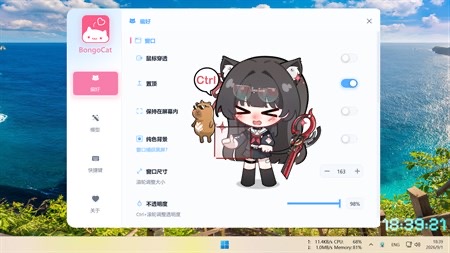
The vladelaina app's defining technical feature is Live2D support, built on the Cubism SDK and optionally compiled in (without the SDK, the build falls back to a diagnostic backend with no Live2D rendering). Live2D models are layered 2D artwork rigged for motion, the same technology behind many VTuber avatars, which is exactly why Bilibili and other creator communities took to this app: their existing skills transfer.
The format layer: Mver and Awesome-BongoCat
Two older ecosystems still matter:
- Mver models. The Windows-only Bongo-Cat-Mver project, started 2019-04-29, created the first big community model collection, and "Mver format" is still how many people refer to these files.
- Awesome-BongoCat. A curated model repository for the ayangweb version, collecting community-made cats.
Compatibility runs one way, and it is the useful way: per the README, the vladelaina app installs model packages in the Mver format, and its import pipeline accepts Mver sources, Tauri (ayangweb) sources, Live2D .model3.json files and image patches, normalizing whatever you feed it into that canonical format. The reverse direction is not documented: whether other apps can read packages this app has installed, we could not verify. So the practical rule stands: check which app a model targets before downloading, and see the versions table if you are unsure which app you have.
Getting models in
Import is done from the app's own settings once you have a model file from one of the sources above. Imported characters show up in the app's model selection grid.
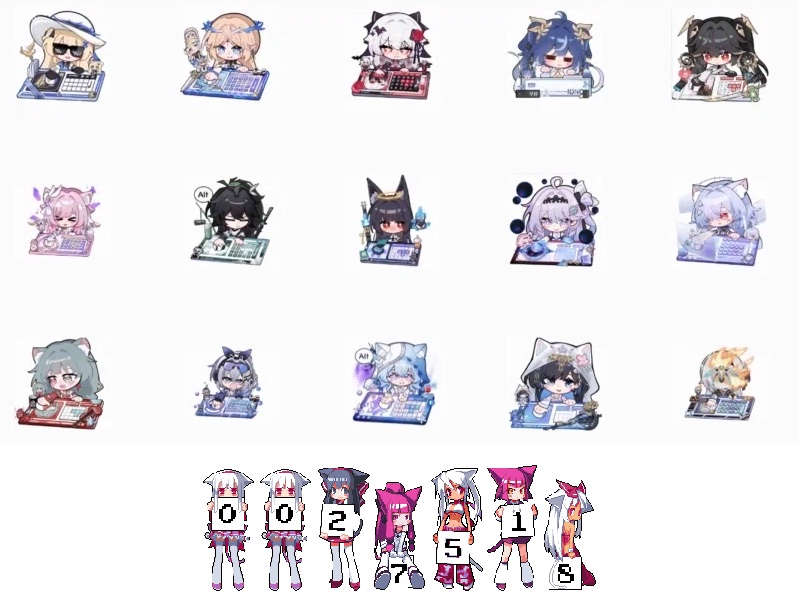
Where the official catalogue provides files directly, use it first; it is the only source the developers stand behind. Then compare notes with the community in the project's Discord or the Chinese community groups linked from the official site.
Once your cat is dressed up, make sure the app itself came from the official download channels, and give the safety notes a skim if you are trying a third-party model source.